Understand the web
Domains, hosting, SSL, WordPress setup and how websites work.
Learn WordPress and Elementor directly from an instructor. Create a complete, mobile-friendly business website from scratch — even if you have never built one before.
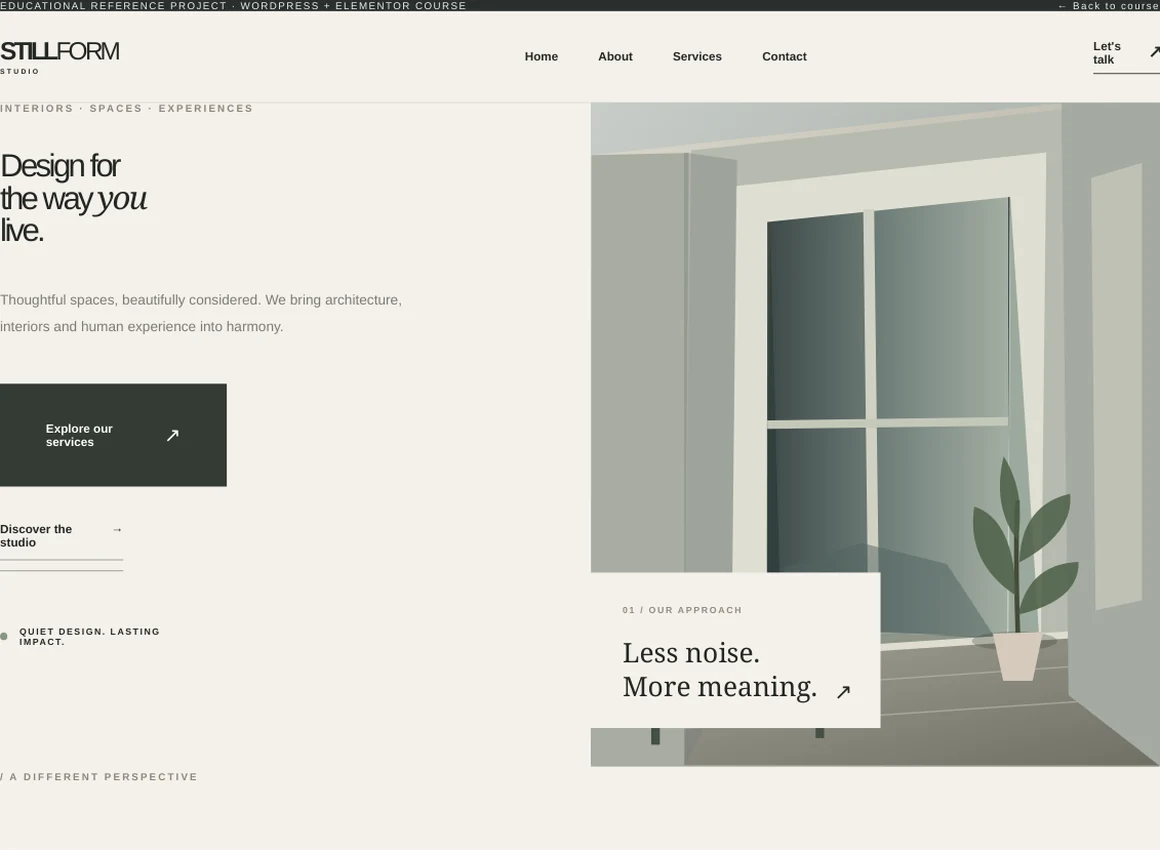
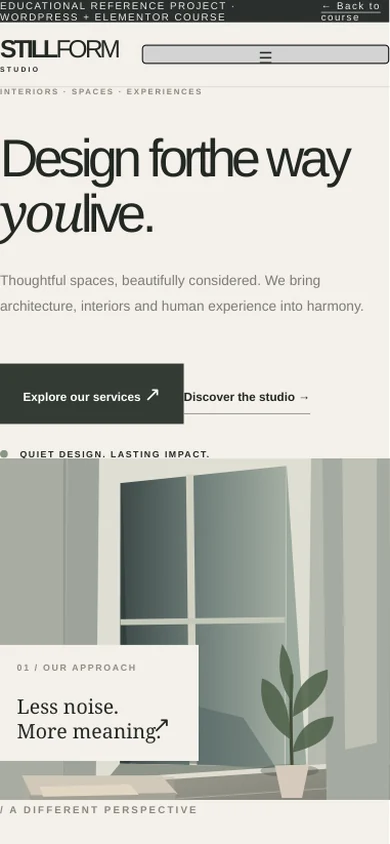
By the end of the course, your goal is to create a complete four-page business website — not disconnected practice sections.
You won't just memorize where the buttons are. You'll learn how sections, layouts, images, typography and spacing come together to create a professionally structured website.
Following random tutorials can leave you with fragments of knowledge. This course follows one connected website project, with the instructor showing each step during live online classes.
Watch the instructor work through real website-building steps while you follow on your computer.
Get explanations when you get stuck instead of spending hours searching for the right tutorial.
Your lessons connect to a complete business website, from initial setup all the way to launch.
Build pages, adjust layouts, add contact tools and test your final website yourself.
Learn the practical process behind a complete WordPress business website — from the foundational concepts to the finishing details.
Domains, hosting, SSL, WordPress setup and how websites work.
Containers, widgets, spacing, colors, typography and layout principles.
Header, homepage, About, Services, Contact and footer.
Working contact forms, enquiries, WhatsApp and click-to-call buttons.
Responsive layouts for desktop, tablet and mobile screens.
Image optimization, on-page SEO, basic speed testing and Search Console.
Essential security, updates, backups and common troubleshooting.
Launch checks, connecting a domain and basic post-launch care.
Start from zero and follow a structured learning path. Expand a module to see the real topics covered in your syllabus.
Start with the fundamentals.
After this module: Students understand the website-building process and know what they will create.
After this module: A complete website blueprint and organized content ready for development.
After this module: A fresh, functional WordPress installation.
After this module: A clean WordPress website prepared for design work.
Build the foundation of good design.
After this module: Students can independently create, edit, and style basic Elementor sections.
After this module: A basic professional design system ready for use across the website.
Create every real website section.
After this module: A functional, responsive website header.
After this module: A completed homepage hero section with working CTA buttons.
After this module: A fully designed desktop homepage.
After this module: A functioning four-page website.
After this module: A website capable of receiving real enquiries.
Responsive, SEO, speed and security.
After this module: A responsive website that is usable across different devices.
After this module: A more efficient website with appropriately optimized images and basic performance settings.
After this module: A website configured with essential on-page SEO and ready for search-engine discovery.
After this module: Students understand how to maintain their website and handle common beginner-level problems.
Publish and test your finished site.
After this module: A complete, functional, responsive, published website.
Already familiar with WordPress? This is also useful if you still struggle to build a complete, responsive website independently.
Never built a website before? Start with the basics and build step by step.
Develop a practical skill and create a website you can demonstrate.
Learn website creation to complement your marketing and landing-page skills.
Understand how to create and manage a simple business website yourself.
Build a foundation before moving to real client projects.
If you already independently build and launch polished WordPress websites, this foundational course may be too introductory.
From first setup to finished launch.
The planned course material supports the actual website-building project so you can spend more time learning and less time hunting for content.
The course is presented by Elite Digital Education and follows a guided, practical teaching approach.
Learn the process, build along during live classes, and work toward a professional four-page business website.
View the real project, full syllabus, price and confirmed batch information.
Complete payment through Razorpay once enrollment is officially open.
Follow your joining instructions, participate in live classes and create your website.
Get the important details before making a decision.
No. This course uses WordPress, Elementor Free and Astra Free. Basic computer and internet knowledge are enough to begin.
Yes. The practical course project is a four-page service-business website with Home, About, Services and Contact pages. You will also work on mobile responsiveness, contact features, basic SEO and launch steps.
It can help if you know the basics but struggle to independently build a complete and responsive business website. If you already routinely launch polished sites yourself, this foundational course may not offer enough new material.
This founding batch is offered as instructor-led live online teaching. Any recording access is governed by the separately published batch access policy; do not assume recordings are included.
No. The reference project is designed to be taught using Elementor Free, Astra Free and suitable free plugins.
You can practice locally where supported. If you decide to publish on your own live domain and hosting account, those costs are separate from the course fee.
You may be able to watch classes on a phone, but building and testing a website properly is much easier on a laptop or desktop computer.
This is a beginner-to-launch course focused on a real business website. Advanced custom development, complex WooCommerce builds, freelancing client acquisition and advanced technical SEO are not included.
The batch start date has not been confirmed yet. Paid enrollment stays disabled until the timetable and joining policy are published.
Once enrollment opens, verified payment will create an enrollment record. The confirmed joining and access process will be published before payment is enabled.
The missed-class and recording policy will be confirmed in the published batch details before enrollment opens.
Before enrolling, please contact our support team to confirm the current cancellation and refund terms. No refund terms have been configured yet.
One real project. Structured guidance. Practical live classes.
Foundational WordPress + Elementor course by Elite Digital Education.